
While launching instance in EC2, instances come with default AWSCLI verison 1.xx.xx installed. If we have to use the latest features in line with what AWS releases across services, aspected with AWSCLI, we will have to upgrade the CLI version to 2.x
Let us see how to do this in EC2 instances
Pre-requisites:
- AWS Login access & credentials
- Permissions and/or Access policies to upgrade utilities/tools in EC2
- Log in to the AWS Console
- Launch an EC2 under free-tier or log in/ssh into your EC2 via putty or other modes of connection allowed to you
- run 'sudo yum update -y', if required
- check the currently available awscli version

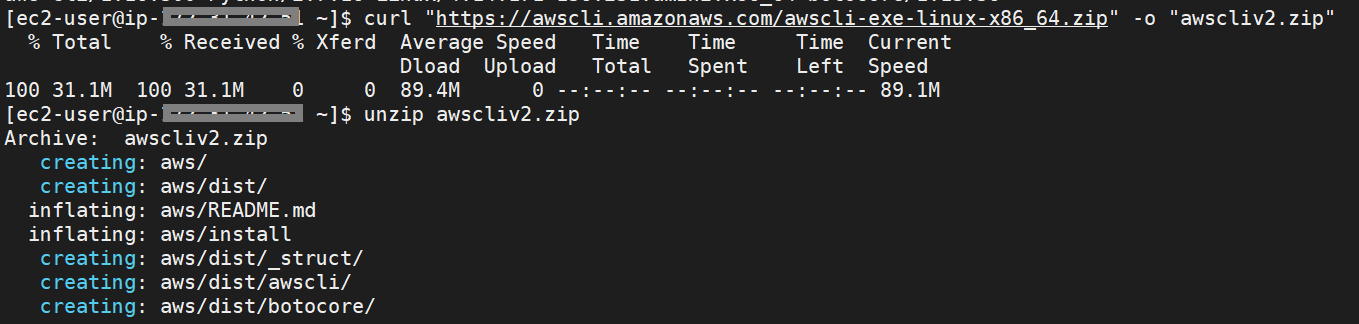
- download and unzip the awscli bundle from aws location
- run sudo install

- check for the new version updated by looking at the default location where awscli is installed & symlink created(at /usr/local/bin/)

- Now restart or start a new session in the EC2 and check for the version of awscli

